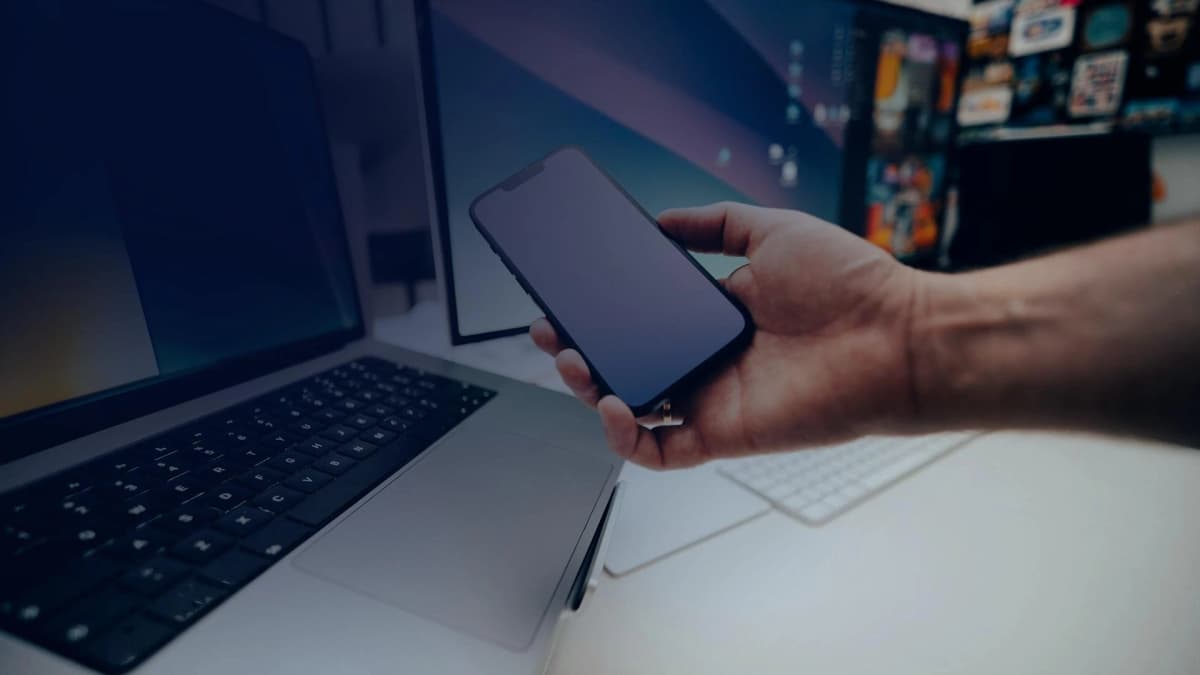
The evolution of physical device theft observed this year
This year, stealing a smartphone is no longer just about selling used parts on the street. Thieves want what is kept inside: your banking apps, your crypto wallets, and your private messages. Once someone snatches your phone while it is unlocked, standard phone security simply is not enough.
How phone thieves operate this year
Phone thefts have become fast, coordinated, and methodical. Criminal crews rely on a few well-practiced steps:
- Peeking at your passcode (shoulder surfing): In busy coffee shops, subway stations, or bars, thieves watch you enter your passcode or record your hands. Once they know your PIN, they plan the grab.
- Drive-by snatches on scooters or bikes: Attackers target people walking while looking down at directions or sending a text. They grab the phone while it is already unlocked and ride away, giving them instant access to your apps.
- Signal-blocking pouches (Faraday bags): Within seconds of taking your phone, thieves drop it into a metallic pouch that cuts off all wireless signals (cellular, Wi-Fi, Bluetooth). This prevents Find My or remote wipe commands from ever reaching the device.
- Draining accounts in minutes: Armed with the passcode they watched you type, thieves change your cloud passwords, turn off tracking, and transfer funds or cryptocurrency before you can even get to a computer.
- Direct coercion: In serious incidents, thieves directly threaten victims and demand that they unlock their phones on the spot.
How Zi0n protects you when your phone is taken
A normal consumer smartphone is not built to defend itself once someone physically holds it. Zi0n was built from the ground up to keep your data safe even if your phone falls into the wrong hands:
1. A decoy PIN (Duress PIN) to fool attackers
If someone forces you to unlock your phone, you enter a special distress PIN. The phone unlocks normally, but opens a completely separate, believable decoy screen with ordinary apps and zero money or sensitive notes. Your real vault remains entirely hidden.
2. Automatic self-destruction when signal is cut
When thieves place the phone into a Faraday bag to block remote wipe commands, Zi0n keeps track of time internally. If the phone stays without signal or valid authentication past your chosen time limit, the security chip wipes all master encryption keys on its own.
3. Cable protection (Cable Wipe)
If a thief plugs your phone into a computer or a forensic cracking box to copy your files, Zi0n immediately senses the unauthorized connection. The Cable Wipe protocol destroys your data in nanoseconds and shuts off the USB data lines.
4. Pocket panic button
You can press a simple sequence of outer physical buttons while your phone is still in your jacket or pocket. It wipes all sensitive data within a second, before anyone can take the device from you.
Everyday tips to stay safe
A few simple habits can make a huge difference in your security:
- Use a longer passphrase: A four-digit PIN is easy to memorize from afar. Switch to a longer password with letters and numbers.
- Hide notifications on your lock screen: Make sure text messages with two-factor authentication codes cannot be read without unlocking.
- Set a short screen lock timer: Make your screen turn off and lock after just a few seconds of inactivity.
- Keep critical funds on a dedicated device: Never store your life savings or main trading accounts on a standard phone you carry loosely in public.
How can Zi0n help you?
When thieves target you in person, standard security apps cannot save your assets. Zi0n combines hardware and firmware defenses so nobody can take your money or your private information, even with your phone in their hands. Learn more about our security solutions at https://zi0n.io.
Frequently asked questions
Why does remote wipe often fail after a phone is stolen? Because thieves quickly put the phone in a signal-blocking bag or take out the SIM card. Without internet reception, the wipe command cannot reach the phone.
How does the Duress PIN keep me safe during an attack? It opens an everyday, harmless screen with no visible wealth, letting you satisfy the attacker's demand without giving up your real assets.
What happens if someone plugs a Zi0n phone into a computer? The Cable Wipe protocol detects the unapproved USB connection and instantly wipes the encryption keys before any files can be read.
Could the no-signal self-destruct trigger by mistake during a flight? No. You choose how long the countdown lasts, and you can switch on a travel profile designed for flights and areas without cell service.
Can I get my files back after an emergency wipe? Not from that phone, because the wipe is permanent. However, you can restore everything onto a new phone using your personal offline backups.