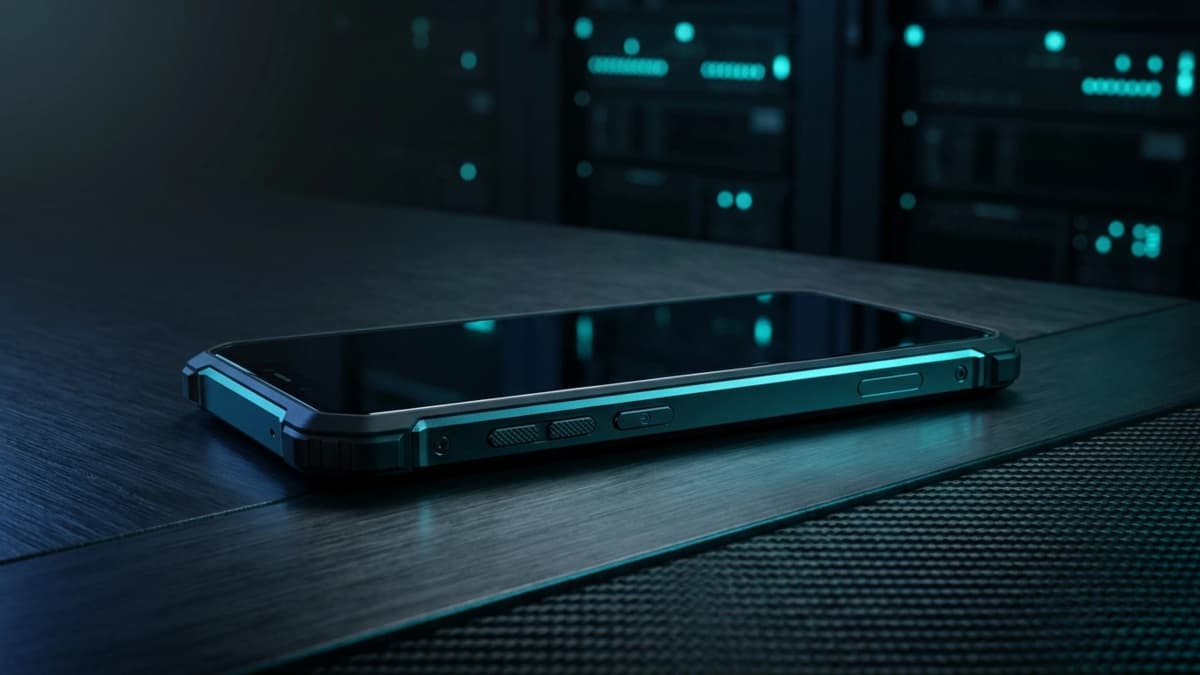
The Zi0n dashboard: controlling your security at a glance
In an environment where operational threats and physical extraction techniques continually advance, clear visibility into your device's actual defensive posture is the cornerstone of operational confidence. Possessing high-grade encryption and emergency wipe capabilities is of little value if an executive must navigate through dozens of nested system menus just to verify whether a data port is blocked or an emergency countdown is armed.
For digital asset managers and security-conscious professionals, ambiguity regarding device protection represents a tangible risk. A resilient defense demands rapid transparency and unified oversight.
The blind spot of standard smartphones: fragmented and hidden protection
On mainstream commercial mobile operating systems, critical security controls are scattered across disparate settings. Background application permissions, camera and microphone access states, USB connection behaviors, and network routing configurations are never presented within a cohesive overview.
This fragmentation creates a deceptive illusion of safety. Users assume their confidential workflows are shielded, while unmonitored apps retain hardware privileges or physical ports remain exposed to forensic cables and interception hardware. Without a single pane of glass, business travel and field operations carry unmeasured exposure.
A unified command center to orchestrate active defense
The integrated Zi0n dashboard removes this uncertainty by bringing every defensive perimeter into a single, intuitive interface. With a quick glance, users assess the real-time status of critical hardware and software layers, adapting their protection posture to the surrounding risk level.
Instant oversight of sensor toggles and hardware integrity
The dashboard delivers live status feeds for physical and logical security switches. Users can instantly confirm whether hardware killswitches for the camera and microphone are engaged, whether screenshot and screen recording prevention is active, and whether SIM or eSIM removal guards are monitoring the physical tray. Explicit visual indicators verify that no covert eavesdropping or unauthorized captures are possible.
Managing automated purge protocols and emergency countdowns
Beyond passive monitoring, the command center serves as the cockpit for defensive countermeasures. From this screen, users track the readiness of the Cable Wipe protocol, configured to instantly shred cryptographic keys upon unauthorized physical connections, alongside autonomous destruction timers triggered by extended inactivity or prolonged signal loss.
A security mechanism is truly dependable only when its operator can confirm its operational status in a fraction of a second without interrupting daily workflows.
Practical habits to maximize your security dashboard
To extract maximum value from this command center without creating friction in your daily routine, consider adopting these operational habits:
- Quick morning check before transit: confirm that Cable Wipe is armed and network encryption is engaged prior to leaving trusted perimeters.
- Dynamic calibration of inactivity timers: shorten the auto-wipe countdown when traveling through high-risk jurisdictions or unfamiliar environments.
- Verification of sandbox isolation: ensure that private key managers and crypto wallets remain confined to the protected container space.
- Network privacy monitoring: verify active decentralized VPN routing with dynamic IP rotation before executing sensitive transactions.
How Zi0n embeds operational mastery directly into device architecture
Unlike third-party mobile utilities that operate merely as surface-level software, Zi0n integrates hardened firmware, secure hardware elements, and the centralized dashboard into a unified platform. Every control toggle displayed on screen communicates directly with kernel and hardware-level enforcement mechanisms.
This direct synergy eliminates intermediary vulnerabilities, ensuring no malicious background task can spoof defensive statuses. You maintain absolute command over your communications and digital assets with minimal overhead.
Frequently asked questions
Does the dashboard transmit status telemetry to remote servers?
No. The dashboard runs entirely locally on your handset. No configuration metrics, telemetry reports, or device status records are ever uploaded to cloud infrastructure.
Can I customize which defensive metrics appear on the primary screen?
Yes. You can prioritize specific toggles and gauges according to your personal risk profile, such as cable detection alerts, inactivity timers, or decentralized VPN indicators.
Do dashboard defenses remain active when the phone screen is locked?
Yes. Low-level defenses such as Cable Wipe, SIM card removal triggers, and inactivity counters function continuously at the hardware and firmware level while the device is locked.
Is authentication required to modify security dashboard policies?
Yes. Any adjustment to emergency purge timers, hardware killswitches, or defense thresholds requires verification with your primary security PIN, preventing tampering by third parties.
To discover how the Zi0n dashboard delivers total peace of mind for high-value mobile operations, explore our platform at zi0n.io.