Even the strongest encryption algorithms lose their effectiveness when a threat becomes physical. During a business trip, an intrusive inspection, or a street robbery while walking through the city, an attacker does not try to crack a cryptographic key: they demand that you unlock your phone right in front of them.
On a mainstream smartphone, handing over that first passcode means surrendering your entire financial portfolio. Understanding how a hardened architecture anticipates physical coercion turns a high-risk confrontation into a dead end for the attacker while protecting your safety.
Why a standard smartphone leaves you defenseless under coercion
Consumer phones rely on a binary security model: while the screen is locked, storage remains encrypted; the moment the main passcode or biometric check succeeds, every barrier drops at once. Worse yet, facial recognition and fingerprint sensors create a severe risk during extortion, because an assailant can physically force you to look at the camera or press a finger to the sensor without knowing any password.
Once the home screen is open on a regular phone, the attacker can freely access banking apps, Web3 wallets, and email accounts capable of resetting exchange credentials. Even if an app has an internal lock, its visible icon confirms that valuable funds exist on the device. In snatch-and-grab thefts followed by connection to forensic tools like Cellebrite or GrayKey, the USB port and SIM tray also provide direct pathways to dump memory.
The defense mechanisms that neutralize forced unlocking
To protect an investor under pressure, security must deceive the attacker and compartmentalize critical assets automatically.
The Duress PIN and the illusion of a believable decoy session
The most effective defense when forced to unlock your phone under threat is entering a code that appears to open the device normally while destroying sensitive data behind the scenes. With the Duress PIN, typing a dedicated coercion code silently wipes crypto wallets, encrypted notes, and private sessions within milliseconds, launching a functional decoy workspace.
True protection against physical coercion does not mean displaying a locked wall that escalates an attacker's aggression, but opening a convincing decoy environment where no critical data remains to be stolen.
No warning pop-ups or wiping indicators give away the operation. The assailant inspects what looks like an ordinary phone devoid of high-value assets, defusing immediate tension.
Sandboxing isolation, Extra PIN, and WipScreen protection
When a phone is snatched from your hand on the street with an active screen, hardened sandboxing keeps every app inside an isolated memory container. Every critical application is locked behind an Extra PIN separate from the system passcode, while the kernel-level WipScreen shield blocks screenshots and recovery details remain inside locally encrypted notes outside the cloud.
Hardware shields on physical ports and inactivity auto-wipe
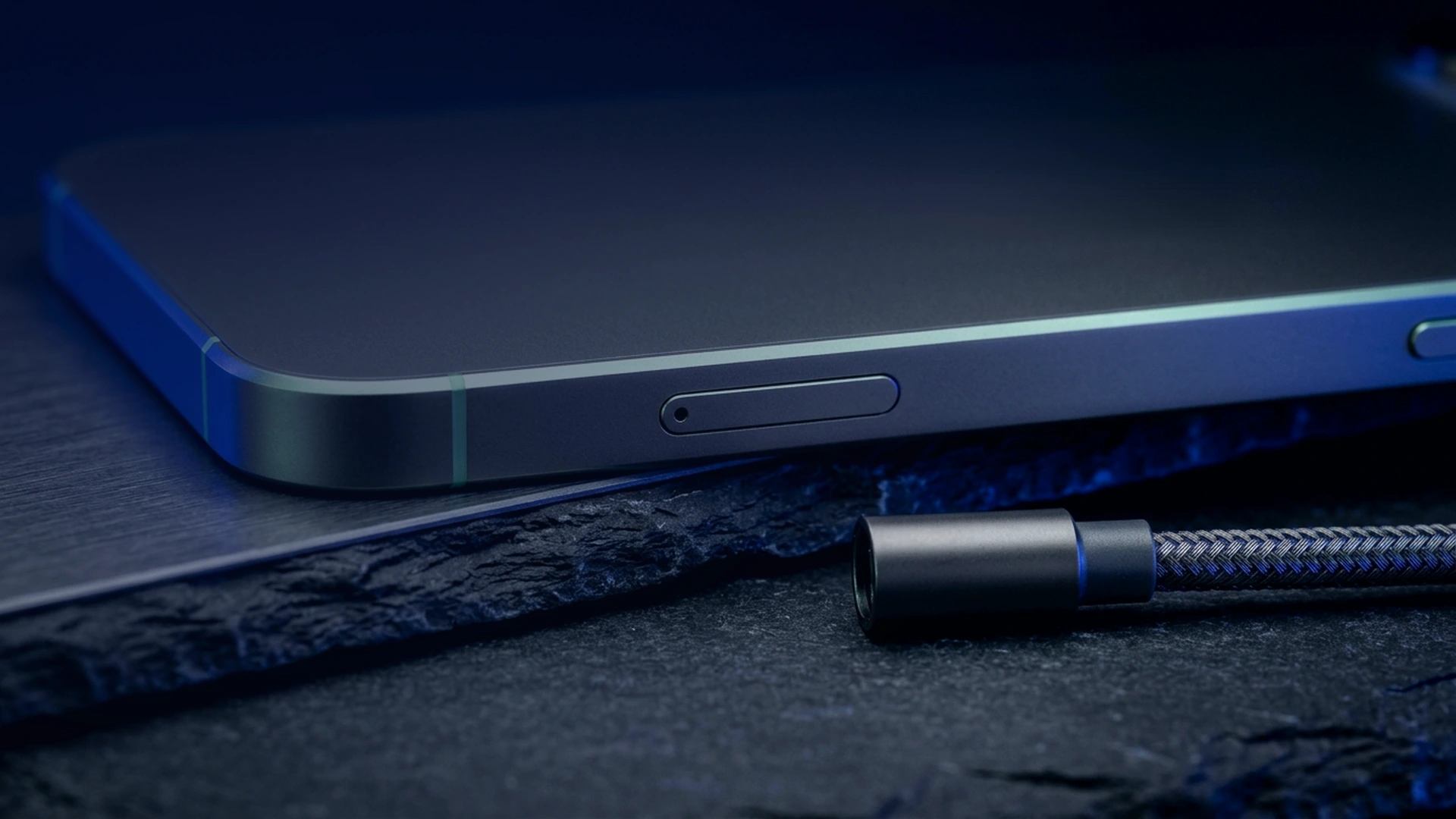
If the device is seized for technical inspection, Cable Wipe and WiPi sever USB data lines and purge encryption keys from volatile memory the instant an unauthorized cable is plugged in. Similarly, tampering with the SIM tray triggers WipSIM, while the inactivity timer destroys sensitive data automatically after a set period offline.
Four essential habits to prepare your phone for high-risk situations
Before walking through busy urban areas or traveling with access to your portfolio, apply these four preventive measures:
- Disable biometrics: turn off face and fingerprint unlocking so no third party can force your phone open physically.
- Memorize your Duress PIN: configure your coercion code on day one and rehearse it so you can type it naturally under stress.
- Enforce Extra PIN locks: assign a separate passcode to every Web3 wallet, messenger, and encrypted notepad, distinct from your main lock.
- Shorten screen timeout: set automatic screen locking to fifteen seconds to neutralize snatch-and-grab thefts in public spaces.
How does Zi0n protect your data even under physical coercion?
Zi0n engineered its hardened operating system for scenarios where the user is forced to cooperate. By combining the Duress PIN, an instant panic wipe button, and individual app locking via Extra PIN, the device separates unlocking the screen from accessing your digital wealth. Hardware shields like Cable Wipe, WiPi, WipSIM, and kernel-level WipScreen complete this defense, while the decentralized VPN with dynamic IP rotation and international eSIM conceal your network footprint at https://zi0n.io.
Frequently asked questions
Can an attacker tell that I entered a Duress PIN instead of my real passcode?
No, transitioning into the decoy profile takes the exact same time as a normal unlock and displays no notifications or deletion indicators.
What happens if someone snatches my phone while I am walking in the city?
Your critical apps remain sealed behind their Extra PIN and isolated via sandboxing; if the thief connects a cable or removes the SIM card, Cable Wipe and WipSIM purge the device.
Why is fingerprint unlocking discouraged on a phone that holds crypto assets?
Under physical threat, an attacker can force your finger onto the sensor in a split second, preventing you from typing the Duress PIN to trigger the decoy workspace.
Can I recover my crypto wallets after triggering the Duress PIN?
Yes, your digital assets live on the blockchain: simply restore your wallets on a new secure device using the recovery phrase stored safely offline.