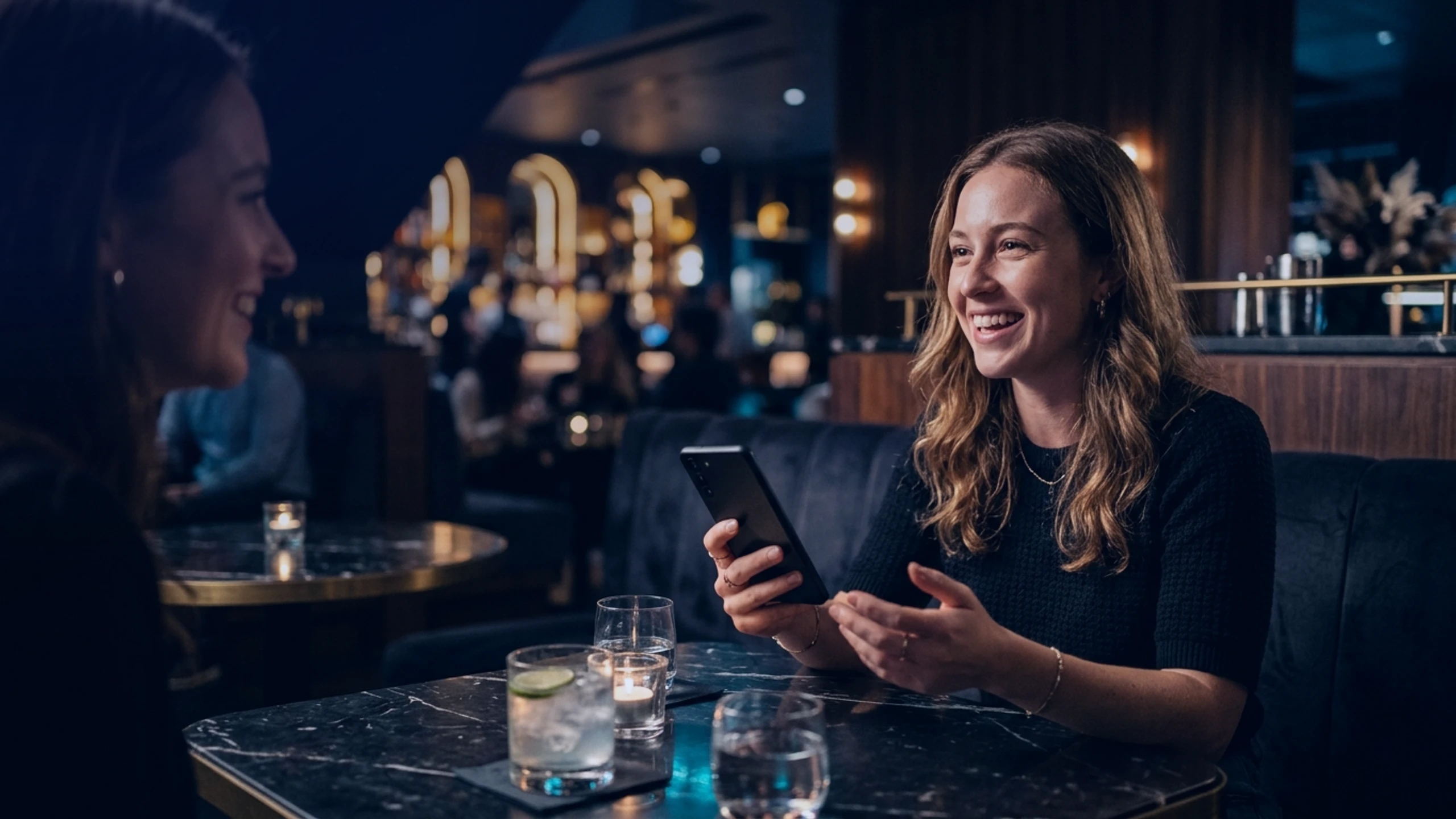
Checking an open position, adjusting a stop-loss while chatting with a friend over coffee, or signing a swap between meetings is part of an active investor's routine. While smartphone mobility turns every moment into an opportunity, it also places your digital assets in an exposed environment.
Consumer phones are engineered for constant data sharing, clashing directly with Web3 security. Securing your daily trades relies on an invisible architecture that shields every signature without disrupting your day.
Everyday blind spots that threaten your active positions
When a trader checks portfolios outside a controlled office, the first danger is shoulder surfing or covert camera capture in a busy venue. A single authentication code displayed on a lock screen or a passphrase typed in public view can compromise an exchange account.
Beneath the screen, standard mobile systems share a single clipboard across all apps. The moment you copy a withdrawal address, a background trojan can swap it for an attacker's address before you confirm.
Meanwhile, shared Wi-Fi and cellular networks expose your real IP address. Combined with carrier SIM swapping or having an unlocked phone snatched from your hand, a routine trade can quickly turn into a critical failure.
A hardened mobile architecture for seamless daily trading
To trade confidently every day, protection must operate across application memory, network transport, and physical ports.
Wallet sandboxing and kernel-level screen protection
Strict sandboxing runs every trading terminal and Web3 wallet inside an isolated memory cell. No external process can inspect your active sessions or tamper with clipboard data during transfers.
Individual app locking via Extra PIN adds a crucial layer for social settings: even if you hand your phone to a friend for a moment to share a photo during a conversation, your financial apps require a separate PIN to open. Meanwhile, WipScreen blocks screenshots and recordings at the kernel level.
Stealth routing with a decentralized VPN and international eSIM
When connecting to exchanges, traffic flows through a decentralized VPN with dynamic IP rotation across logless nodes, keeping your real IP address and location hidden. Pairing this with an international eSIM removes reliance on local carriers vulnerable to SIM swapping.
True security for an active trader is measured by a smartphone's ability to remain impenetrable in the middle of an ordinary day.
Hardware port shields and duress protection
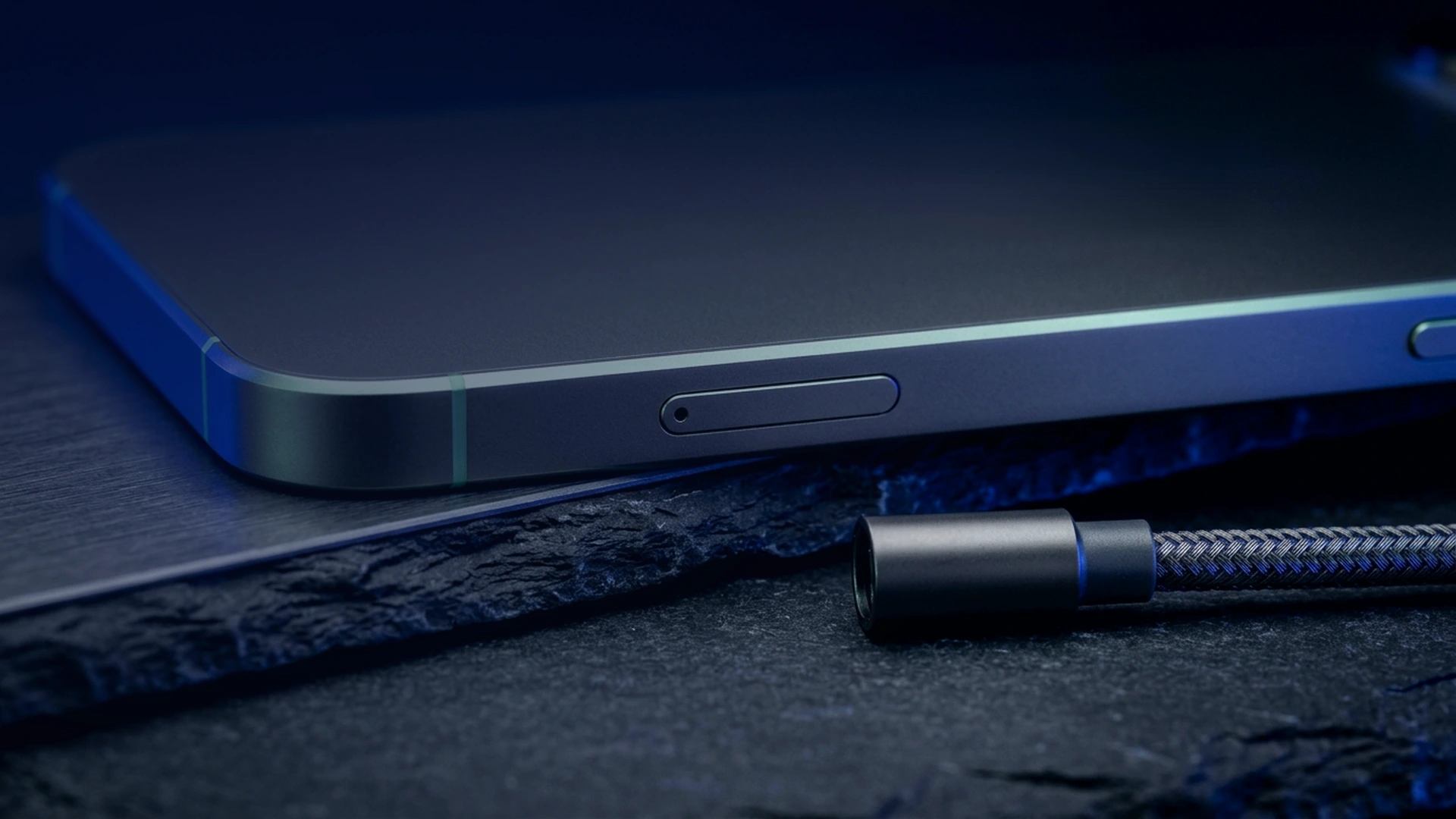
On the physical front, Cable Wipe and WiPi neutralize forensic extraction over USB by cutting data lines or purging keys the instant an unauthorized cable is detected. WipSIM locks the device upon SIM tray removal, while the Duress PIN opens a believable decoy profile under coercion.
Four essential habits to protect every trading session
Pair your hardened device with these daily practices:
- Strict liquidity separation: keep only active trading capital on your phone and store long-term reserves offline.
- Per-app authentication: enable a dedicated Extra PIN on every wallet and messenger.
- Visual address verification: always verify the first and last characters of any blockchain address before signing.
- Automated wipe rules: configure inactivity purge timers and memorize your Duress PIN.
How does Zi0n secure your daily trading?
Zi0n natively integrates this defensive stack into a hardened smartphone free of ad trackers and telemetry. From the decentralized VPN with IP rotation to Cable Wipe, WipSIM, and WipScreen, every layer works silently to protect your orders.
Enjoy your social life and manage positions on the move while retaining full control over your private keys at https://zi0n.io.
Frequently asked questions
Is it safe to execute trades from a café with Zi0n?
Yes, thanks to the decentralized VPN with IP rotation, international eSIM, and Extra PIN locking, your sessions stay isolated in public.
What happens if someone snatches my unlocked phone?
Extra PIN prevents anyone from opening your wallets without a second code, and inactivity or WipSIM rules immediately lock the device.
Does WipScreen slow down live trading charts?
No, chart rendering remains smooth while preventing malware from capturing your screen.
How does the Duress PIN protect me during a targeted robbery?
Entering your Duress PIN unlocks a functional decoy environment while silently wiping your real wallets in the background on Zi0n.