How to test the security level of your Zi0n
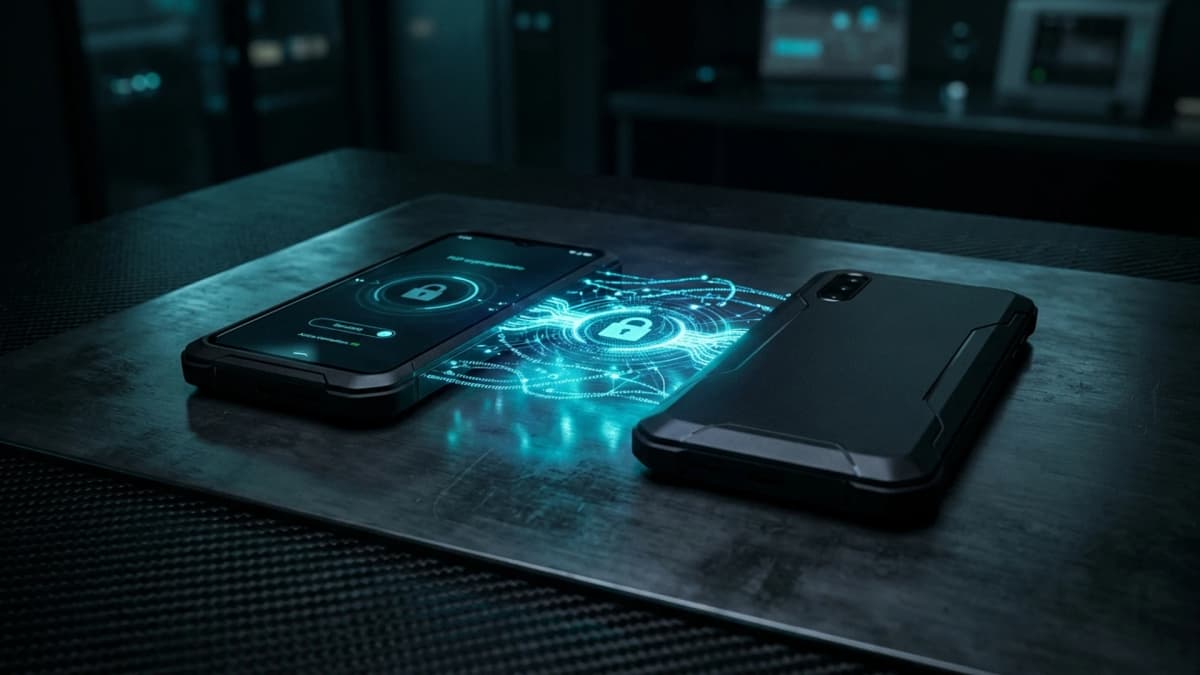
Carrying a hardened mobile terminal does not guarantee absolute peace of mind unless you know how your device performs under actual attack conditions. The real strength of a defensive platform is never defined by marketing claims, but by its instantaneous reaction against physical and software threats.
To verify that your handset meets rigorous security requirements, conducting routine self-audits is essential. These controlled tests allow you to evaluate active defensive boundaries without exposing confidential digital assets.
Why you should regularly audit your smartphone defenses
A security-focused smartphone serves as an active shield, continually interfacing with wireless frequencies and charging cables. Over time, inadvertent configuration changes can erode your defensive posture if systematic reviews are neglected.
Executing regular verification drills builds instinctive operational reflexes during emergencies or coercive encounters. Knowing your system's exact response eliminates hesitation and ensures your private keys, Web3 portfolios, and strategic communications remain untouchable.
Cryptographic security demands empirical verification rather than blind trust: an elite defense system must empower its owner to validate every safeguard.
Core practical tests to perform on your handset
To evaluate the operational resilience of your equipment systematically, conduct these three primary verification routines.
Controlled simulation of the Duress PIN and decoy session
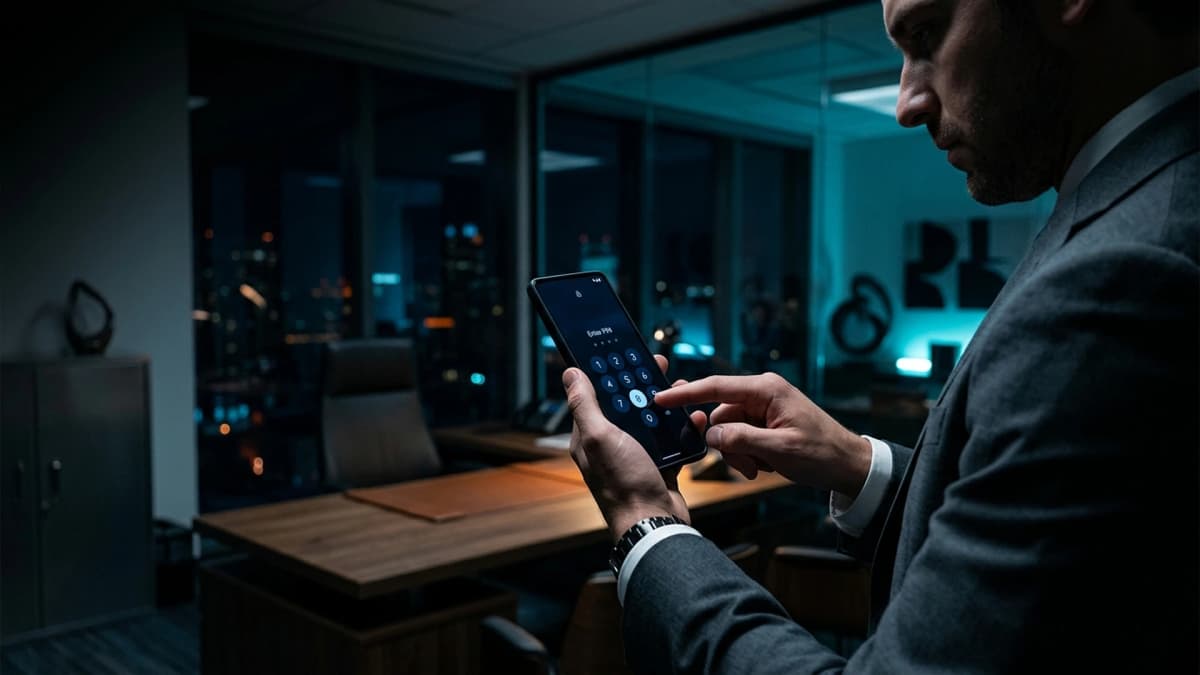
The duress passcode serves as the primary barrier against physical coercion and forced unlock attempts. Lock your screen and enter your secondary Duress PIN instead of your master passcode. Confirm that the alternative workspace launches immediately: the user interface looks completely normal, yet your primary vaults and private keys are completely wiped from active RAM. Confirm that no diagnostic logs reveal the primary container, then power down the unit.
Testing USB physical isolation and Cable Wipe triggers
The wired charging port represents a prime target for automated forensic extractors. Connect your locked handset to an unfamiliar computer using a standard USB cable. Verify that the data channel remains entirely dormant: no file transfer prompts should appear and ADB debugging bridges must remain unreachable. With Cable Wipe enabled, unauthorized connection attempts instantly sever data pins and purge volatile decryption tokens.
Optical defense inspection with WipScreen
Spyware continuously attempts to record screen buffers to capture master passphrases upon display. Open a sensitive application, such as your encrypted notes vault or transaction signing suite. Attempt a manual screenshot using hardware buttons or project the display to an external monitor. WipScreen must immediately deny the action or produce a solid black screen, neutralizing optical data extraction.
Practical recommendations to validate your security posture
To reinforce your regular audit procedure, apply these targeted operational checks:
- Public IP rotation checks : use an external network inspection tool to confirm that your public IP address rotates through the decentralized network.
- Wireless perimeter isolation : disable Wi-Fi and Bluetooth in crowded public spaces to prevent passive device profiling.
- Physical sensor disconnection : verify hardware privacy switches to ensure microphones and cameras are unpowered when disabled.
How Zi0n delivers verifiable uncompromising mobile defense
The architecture engineered into Zi0n relies on autonomous local verification. While conventional mass-market phones outsource security decisions to remote servers collecting extensive telemetry, Zi0n executes its defensive shields directly on the hardware silicon and hardened microkernel.
By pairing rapid physical port disconnection with zero commercial tracking, Zi0n provides Web3 investors with a verifiable mobile fortress. Discover our technical features on zi0n.io.
Frequently asked questions
Will testing the Duress PIN delete my real portfolios?
No, the duress code simply initializes a separate decoy profile without altering the protected partitions of your master storage.
How can I confirm that the USB port is genuinely disabled?
When connected while locked, the host computer will detect no storage devices, file endpoints, or communication drivers.
Can I safely test WipSIM detection without causing data loss?
Yes, authenticate with your master passcode in advanced settings to enable maintenance mode before inspecting the SIM tray.
Why does Zi0n block screenshots inside secure applications?
WipScreen prevents background spyware from capturing visual snapshots of private keys while you inspect them on the display.
Audit your defensive posture and take total control of your mobile privacy with zi0n.io.