The Extra PIN: Zi0n vs a conventional mobile antivirus
Installing an antivirus on a commercial smartphone often provides a false sense of security. Against direct physical threats, traditional software remains completely ineffective. When an attacker coerces you into unlocking your device, no file scanner can prevent the theft of your crypto wallets or confidential communications.
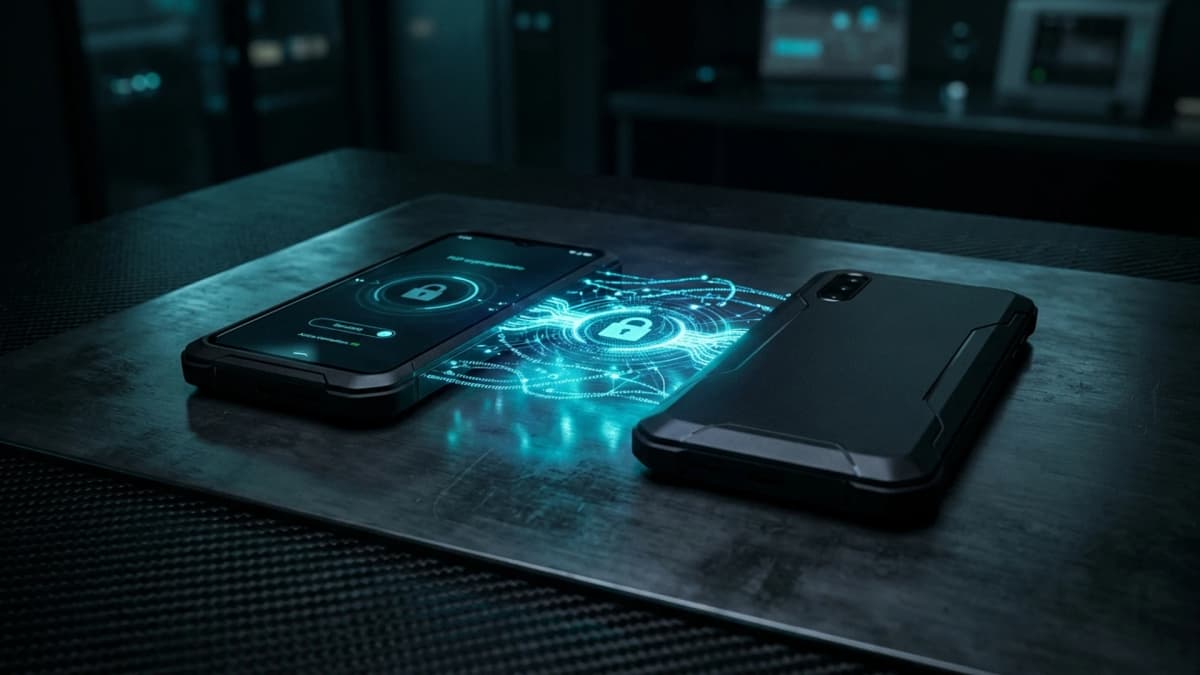
This deadlock exposes a fundamental technical reality: conventional antivirus monitors known software signatures, whereas sovereign protection demands active hardware-level defenses against physical coercion.
The blind spots of conventional mobile antivirus
Antivirus applications on Android or iOS operate in userland, constrained by standard application sandbox boundaries. This architecture creates critical flaws against targeted physical attacks:
- Zero defense against physical coercion : when a victim enters their code under duress, the antivirus considers the session legitimate and allows unrestricted access.
- No authority over security hardware : a standard application cannot command the Titan M2 chip to revoke cryptographic master keys.
- Passive and reactive monitoring : viral databases detect only documented threats, remaining blind to zero-day exploits and cable forensic extraction tools.
These applications also collect continuous telemetry logs, creating new exposure vectors for your personal privacy.
The Extra PIN protocol: silent and immediate zeroization
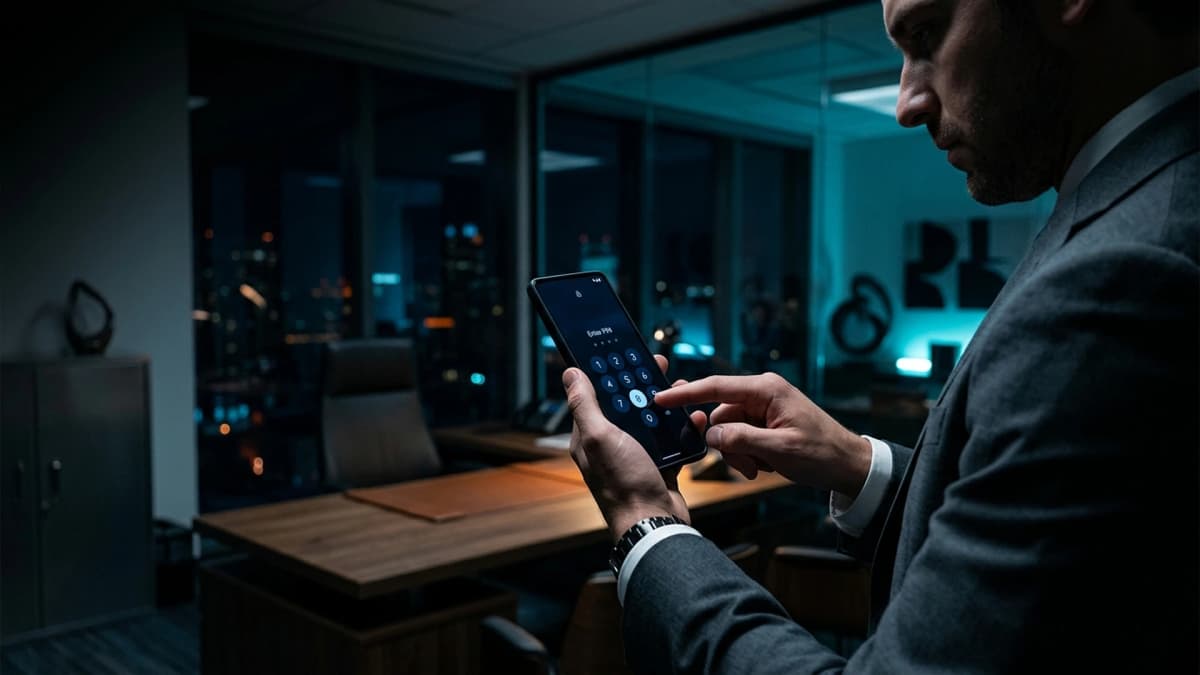
Against physical coercion — commonly known as the five-dollar wrench attack —, the only viable defense is an irreversible hardware action triggered directly from the lock screen. This is the precise role of Zi0n's Extra PIN.
True mobile resilience does not come from scanning files, but from the hardware capacity to instantly eliminate the attack surface during imminent danger.
When forced to unlock their device under duress, the user enters their Extra PIN instead of their primary code. The smartphone triggers no audible alarm and displays no warning, simulating a routine misinput. Behind the scenes, Zi0n purges ephemeral keys from volatile RAM and wipes isolated partitions housing crypto wallets and sensitive data.
Architectural separation: userland app vs hardened OS
While an antivirus runs on top of an exposed operating system, the Extra PIN communicates directly with firmware and the hardened kernel. The purge execution is deterministic, immediate, and impossible for third-party software to intercept.
Practical recommendations against physical threats
To maintain uncompromising security for your digital assets, apply these essential habits:
- Disable biometric authentication : fingerprints and facial recognition can be forced physically in seconds without your consent.
- Segregate your application profiles : isolate critical wallets from everyday browsing and communication apps.
- Configure a silent wipe trigger : verify that your operating system includes a zero-feedback cryptographic purge feature.
How Zi0n elevates your defensive posture
Zi0n combines tamper-resistant hardware with proactive defense protocols. With dedicated Extra PIN and Duress PIN mechanisms, physical extortion encounters an immediately sanitized device, safeguarding your personal safety. This perimeter is reinforced by Cable Wipe anti-forensic protection and decentralized VPN routing with dynamic IP rotation. Explore more at https://zi0n.io.
Frequently asked questions
Can an extortionist detect when the Extra PIN is entered?
No. The interface displays a neutral error identical to an ordinary typing mistake, raising no suspicion.
Are crypto funds lost permanently after triggering the Extra PIN?
No. Balances remain secured on the blockchain. You can restore your wallets on another device using your offline recovery seed phrases.
Is an antivirus necessary on a Zi0n device?
No. Strict memory sandboxing and the absence of tracking services render commercial antivirus applications redundant.
How does the security PIN differ from the Extra PIN?
The security PIN authorizes deliberate administrative system modifications and manual resets, whereas the Extra PIN is used strictly at the lock screen under coercive emergencies.