Crypto trading on the go: essential precautions to take
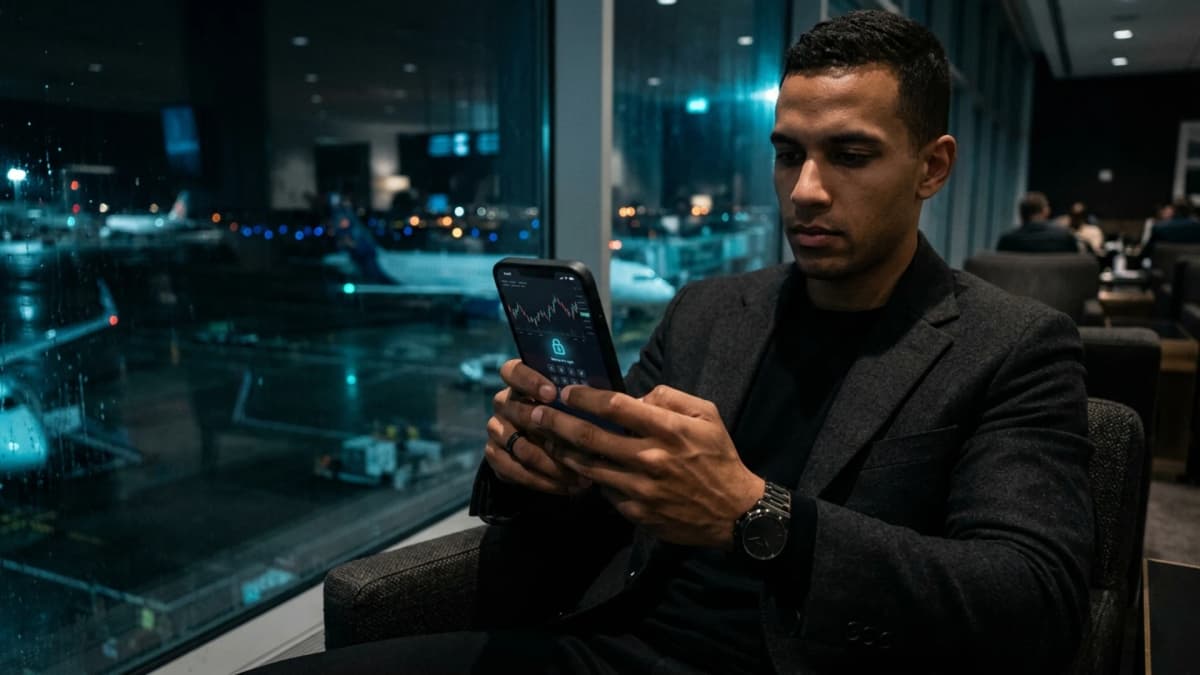
Executing buy orders, managing leveraged positions, or signing decentralized smart contracts from airport lounges or train terminals is standard practice for modern investors. However, trading outside a secure environment introduces serious physical and digital risks.
In transit hubs, mobile traders face compromised public networks, visual shoulder surfing, and physical theft or extortion. Without strict precautions, a routine mobile transaction can lead to permanent capital loss.
Critical vulnerabilities of trading on the move
The primary vulnerability stems from untrusted open networks. Public Wi-Fi access points, even when password-protected in hotels or lounges, rarely isolate traffic between connected devices. A local attacker can inject forged certificates or poison DNS queries to redirect RPC nodes, altering contract addresses during signature without visible warnings.
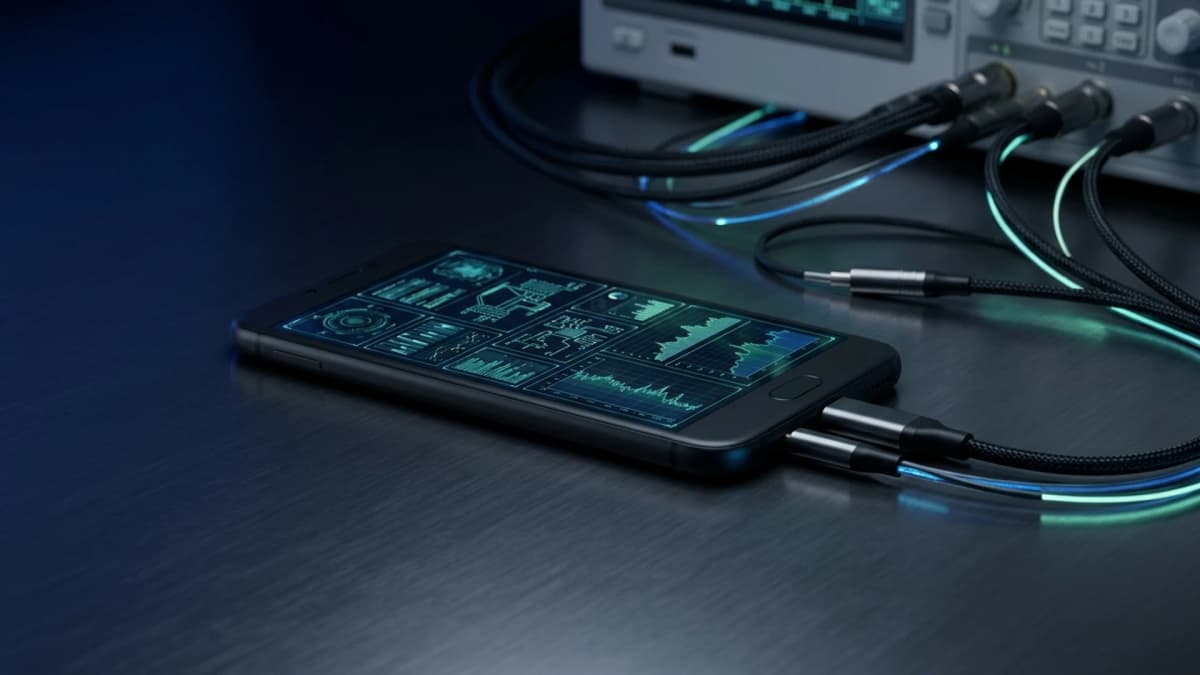
Physical hazards are just as acute: public USB kiosks can execute juice jacking attacks to scrape device data. Furthermore, visual eavesdropping in crowded areas allows adversaries to record PINs before attempting targeted device grabs.
When operating in public environments, authentic security does not rely on personal discretion, but on hardware engineered to withstand compromise, even under coercion.
Core technical defenses for mobile traders
Application compartmentalization and memory sandboxing
To prevent cross-process data leakage, trading platforms and Web3 wallets must never run alongside social media apps or commercial browsers. A hardened operating system confines each process within a hardware-level sandbox. This prevents banking malware from scraping volatile RAM, extracting private keys, or swapping addresses pasted into the clipboard.
Decentralized tunneling and network fingerprint masking
Using private cellular connectivity via a secure international eSIM removes reliance on untrusted municipal routers. Routing traffic through a multi-hop decentralized network with dynamic IP rotation ensures that network providers and blockchain nodes cannot correlate your transactions with your physical location.
How to activate panic mode in one second
When facing physical robbery or coerced unlocking, navigating complex system menus is impossible. The ability to activate panic mode in one second is therefore a vital safeguard.
By entering an alternative Duress PIN on the lock screen, the system flushes cryptographic keys in volatile RAM in under one second. The phone then displays an unremarkable decoy profile or performs an irreversible wipe, neutralizing extortion without revealing any evidence of emergency destruction.
Practical rules before trading in transit
- Exclusive cellular connectivity: avoid open Wi-Fi hotspots and rely on an encrypted eSIM to negate man-in-the-middle exploits.
- Strict wallet isolation: operate crypto tools solely inside an isolated hardware profile free from extraneous applications.
- Rapid auto-lock: configure screen timeouts under thirty seconds and attach a micro-louver optical privacy filter.
- Duress PIN readiness: memorize your emergency code to immediately disable financial access at the first hint of danger.
How Zi0n protects mobile crypto traders
The Zi0n platform pairs a telemetry-free operating system, an impermeable hardware enclave, and instant defense triggers to guarantee absolute security for your digital assets.
Featuring hardware USB data line severance (Cable Wipe), decentralized multi-hop routing, and one-second panic mode activation through Duress PIN, Zi0n keeps your private keys safe from remote exploits and physical coercion. Explore the full architecture at zi0n.io.
Frequently asked questions
Is checking crypto balances over airport Wi-Fi risky?
Yes. Airport networks are frequent targets for rogue hotspots and packet sniffing. Always use private cellular data or decentralized routing to safeguard your RPC calls.
How does panic mode activation in one second work?
It is triggered directly from the lock screen via a dedicated Duress PIN. The system wipes volatile memory instantly and loads an innocuous decoy interface.
Does a privacy screen guard prevent visual espionage?
It restricts side-angle visibility, but it must be paired with native screen-capture blocking and brief lock timeouts to guarantee confidentiality.
Why do public charging stations pose a threat?
Modified charging ports can exploit USB data pins to extract files. Zi0n eliminates this threat by physically severing data communication while charging.
To secure your mobile trading operations, visit zi0n.io.