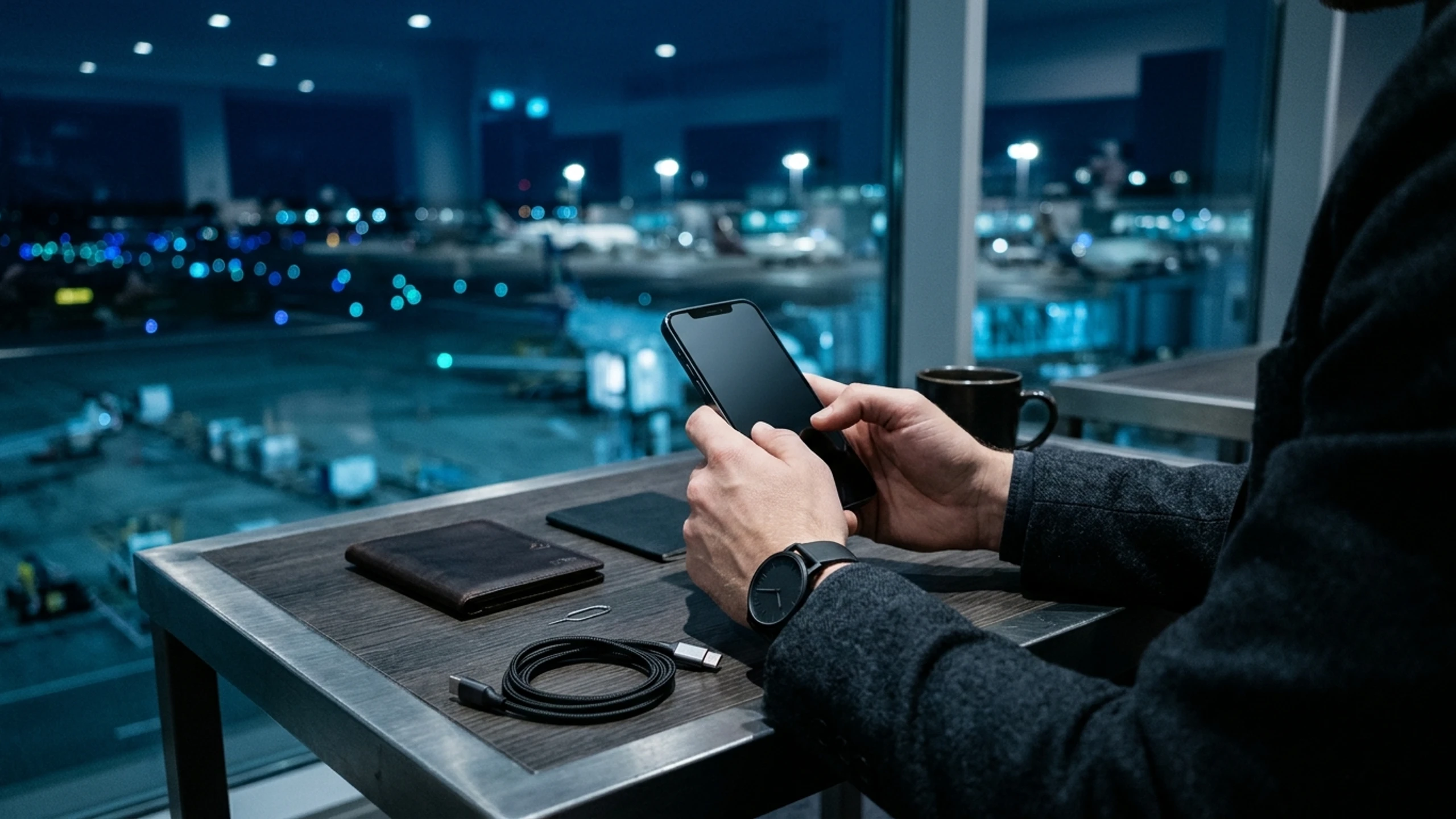
Applying an identical security configuration across every smartphone ignores the operational realities of different users. A long-term digital asset holder transacting from a home office faces a vastly different threat landscape than an active trader moving through international airports or an executive managing institutional treasury keys.
Enabling aggressive data-destruction triggers without genuine need introduces daily friction, whereas neglecting physical anti-extraction defenses during foreign travel leaves high-value portfolios vulnerable to total loss. The modular architecture of Zi0n lets you calibrate every hardware and software safeguard to match your actual exposure.
Why your threat surface dictates your security settings
A hardened mobile device is most effective when its active defenses align with the real-world attack vectors you encounter. On modern smartphones, threats fall into three categories: remote software exploitation, network and hardware interception in transit, and direct physical coercion.
Adversaries targeting Web3 capital invariably exploit the path of least resistance. Remotely, clipboard trojans and spyware attempt to record your display the moment a recovery seed appears. During travel, compromised USB charging kiosks, SIM swapping, and forensic extraction appliances such as Cellebrite or GrayKey target the physical USB controller and cellular baseband. Finally, during a targeted robbery or detention, a standard lock screen passcode offers zero protection if the owner is forced to unlock the device under duress.
Which Zi0n defenses to enable for each exposure level
Calibrating your handset requires prioritizing defensive modules according to your travel routines, accessible mobile liquidity, and public visibility.
Everyday privacy profile: long-term investors and controlled environments
For private investors operating mainly within trusted locations, the core objective is neutralizing cross-application spying and metadata leakage without slowing down daily tasks. Native application sandboxing isolates every process in memory so no third-party app can inspect your financial tools.
At this tier, activating Extra PIN on cryptocurrency wallets and encrypted messengers establishes a secondary cryptographic lock independent of the main passcode. System-level screenshot blocking via WipScreen prevents silent screen scraping, while recovery phrases remain stored offline inside local encrypted notes.
Active mobility profile: frequent traders and international travelers
Once you sign transactions from hotels, airports, or conferences, the primary risk shifts toward hostile wireless networks and opportunistic device theft. Connectivity should rely on the integrated international eSIM paired with the decentralized VPN featuring dynamic IP rotation, eliminating exposure on public Wi-Fi and preventing cellular tower tracking.
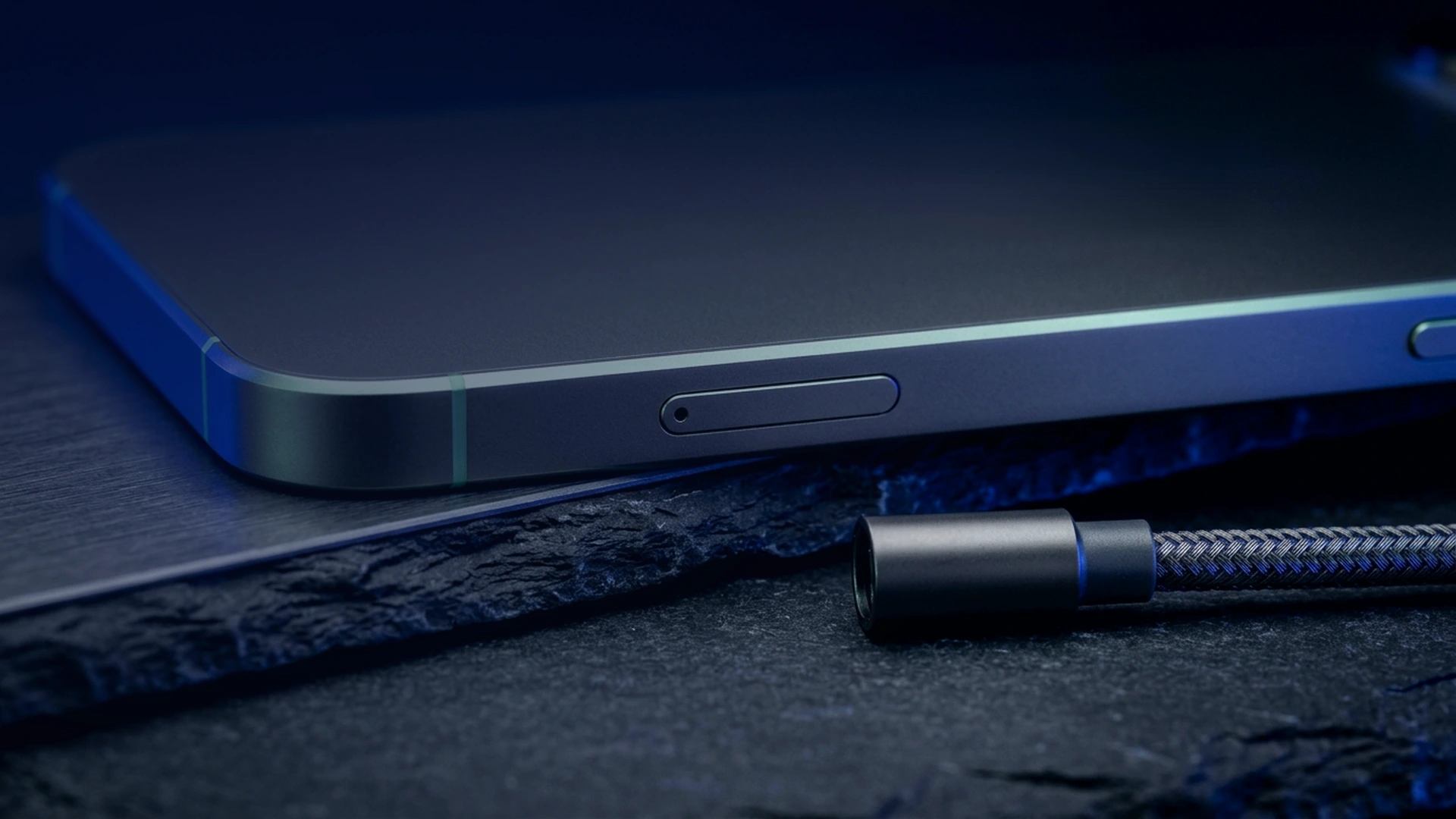
On the hardware front, enabling WipSIM immediately locks or sanitizes the handset if the SIM tray is removed without authorization. Simultaneously, electrical port monitoring via WiPi blocks modified spy cables before any unauthorized USB data handshake can begin.
Effective operational security is not about blindly enabling every destructive trigger, but about matching each barrier to the realistic probability of physical or remote intrusion.
High-exposure profile: executives, fund managers, and high-value targets
For institutional treasury signers and publicly visible investors, physical extortion and laboratory forensic extraction represent concrete threats. At this level, the device must operate with its full suite of active contingency defenses.
Configuring Duress PIN becomes mandatory: when entered under physical threat, this code unlocks a believable decoy workspace displaying minor secondary balances while silently purging keys to your primary vault. In parallel, Cable Wipe monitors the USB interface and executes an instant cryptographic wipe if a forensic tool attempts an unauthorized data connection, complemented by an automated inactivity wipe timer.
Practical guidelines for calibrating your device
To maintain a resilient security posture without operational mistakes, follow these four principles:
- Tiered liquidity compartmentalization: keep only modest spending balances in your primary workspace and isolate major holdings behind Extra PIN.
- Pre-travel security escalation: enable strict physical countermeasures such as Cable Wipe and WipSIM forty-eight hours before international trips.
- Deliberate passcode muscle memory: practice distinguishing your standard unlock code from your Duress PIN so you never trigger an emergency wipe accidentally.
- Strict offline credential storage: store sensitive recovery data exclusively inside Zi0n local encrypted notes rather than cloud backups.
How Zi0n unifies these defensive layers
Whereas mainstream smartphones force users to piece together third-party utilities, Zi0n embeds these protections directly into its hardened operating system. Every layer—from strict sandboxing to active hardware protocols like Cable Wipe and Duress PIN—operates natively without telemetry or Google dependencies.
This unified architecture lets you scale your security posture in seconds from the control dashboard. Whether you require daily financial privacy or immunity against forensic extraction labs abroad, your handset adapts to your risk. Explore the platform at https://zi0n.io.
Frequently asked questions
Can I upgrade my Zi0n protection settings before a trip without wiping the phone?
Yes. Modules such as Cable Wipe, WipSIM, and decentralized VPN routing can be toggled at any time from the security dashboard without resetting your device.
What is the difference between Extra PIN and Duress PIN?
Extra PIN requires a dedicated passcode to open sensitive applications, whereas Duress PIN is an emergency code entered under coercion that opens a decoy profile while erasing protected compartments.
Why should screenshot blocking stay active on a standard risk profile?
Malicious apps with accessibility permissions can silently capture screen contents in the background. System-wide blocking protects wallets and encrypted notes at all times.
Will Cable Wipe trigger when plugging into a standard wall charger?
No. The hardware controller distinguishes pure electrical power delivery from unauthorized USB data line communication, allowing safe everyday charging.